Connecting Login.gov to SAM.gov requires completing email verification, enabling two-factor authentication through Login.gov, and verifying business details to obtain a Unique Entity ID. Users must establish appropriate account types (personal or system), generate API keys with one-time password verification, and implement security protocols including multi-factor authentication. Federal users need CAC/PIV credentials for protected information, while non-federal users require approved System Accounts. The following guide provides thorough steps for seamless integration.
Pre-Integration Requirements and Setup

Before beginning the integration between Login.gov and SAM.gov, organizations must complete several critical preparatory steps to guarantee proper system connectivity and data access.
The process starts with determining which account types are needed—either Personal accounts for individual access or System accounts for automated data retrieval.
Organizations must establish appropriate user roles within SAM.gov to access different data sensitivity levels (public, FOUO, or sensitive).
Data access in SAM.gov requires predefined user roles based on sensitivity level requirements.
For federal users requiring access to protected information, CAC/PIV credentials are mandatory, while non-federal users need approved System Accounts with clearly defined IP restrictions.
API key generation is essential and requires a SAM.gov profile with one-time password verification.
Organizations should also identify which authentication protocol (OIDC or SAML) best suits their integration needs before proceeding.
New users may find the integration process less daunting by first understanding the SAM.gov registration process which provides the foundation for successful system connectivity.
Implementing the Login.gov to SAM.gov Connection
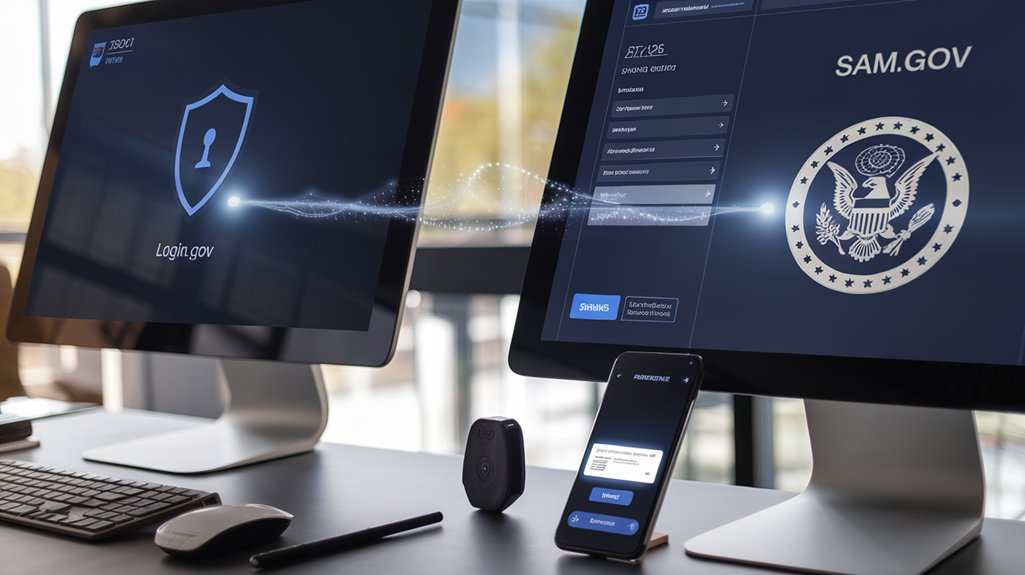
Implementing the Login.gov to SAM.gov connection requires several sequential steps to guarantee proper account configuration and system integration. Users must first complete email verification to synchronize their Login.gov credentials with existing SAM.gov profiles, preventing duplicate accounts and ensuring seamless access. It is essential to remember that Login.gov is designed for secure sign-in only and does not affect your SAM account eligibility.
After establishing two-factor authentication through Login.gov, users can proceed to the entity validation process within SAM.gov. This critical step assigns a Unique Entity ID (UEI) after verifying legal business details and tax identification numbers. This UEI number is mandatory for all organizations seeking to engage in business with the federal government.
The final implementation phase involves setting up user permissions through the User Directory widget. Administrators can establish role-based access control for team members, determining their eligibility for financial assistance or procurement functions.
These delegated authority settings can be managed directly through the SAM.gov workspace, ensuring appropriate system access levels for all users. The 2025 SAM Fast system offers enhanced security features that streamline the overall registration experience for both new and returning government service users.
Security Protocols and Best Practices

Securing the connection between Login.gov and SAM.gov demands rigorous adherence to established security protocols to safeguard sensitive government and business information.
Users must implement multi-factor authentication methods, including WebAuthN devices like FIDO tokens or authenticator apps for ideal protection. Multi-factor authentication serves as an additional security layer that requires something you know and something you have, significantly reducing unauthorized access risks.
When connecting these platforms, follow these security measures:
- Create strong, unique passphrases specific to your Login.gov account
- Enable at least two authentication methods for account recovery
- Never access accounts on public or unsecured networks
- Regularly update authentication credentials
- Keep mobile devices secure when using SMS verification
Federal personnel should utilize their PIV/CAC cards as part of the authentication process.
Regular security reviews guarantee compliance with government standards while maintaining efficient access to both platforms. Establishing a systematic approach to tracking changes helps ensure your Login.gov and SAM.gov connection remains secure and up-to-date.
Frequently Asked Questions
Can I Use One API Key Across Multiple Applications?
While technically possible, using one API key across multiple applications is not recommended for proper API key management. Application security best practices favor unique keys per service to reduce breach impact and improve accountability.
How Long Does the Integration Process Typically Take?
The integration timeline typically spans two weeks after testing, though the entire process including SAM.gov registration can extend to 10 business days. User experience may vary depending on documentation preparation and verification requirements.
What Happens if My Cac/Piv Card Expires?
When a CAC/PIV card expires, users lose system access and physical entry privileges. The CAC renewal process requires visiting an ID card office. PIV card implications include certificate invalidation and security credential interruption until replacement.
Are There Usage Limitations for the Entity Management API?
The Entity Management API has strict usage limitations including daily rate limits by user type, differentiated data access (public vs. FOUO), mandatory API key authentication methods, and restrictions on external sharing of sensitive information.
How Frequently Does SAM.Gov Update Entity Information?
SAM.gov entity information requires annual renewal for continued validity. However, entities must update their profiles immediately when changes occur to maintain data accuracy. Entity verification processes guarantee information remains current throughout the year.